Why UI Design matters in Software Development

George Barnes
Content Marketing Manager
Published:
Why is user interface design so critical to the success of your project?
UI, or user interface design, is a critical element of software development as it’s the primary way that users interact with your software solution.
Great UI design makes it easy for users to perform the tasks they need to do, and it can make the difference between a user having a positive or negative experience with a piece of software. A poorly designed UI, on the other hand, can be confusing and frustrating to use, leading to decreased user satisfaction and productivity.
We know that UI and UX go hand in hand. So, if you can combine the best UI design principles with seamless user experience design, you’ll ensure that users are able to use your software smoothly, effectively and efficiently.
Clearly, UI is important. But how do you approach it?
Why is UI design important in software?
User interface (UI) design shapes how people interact with software. It determines how information is presented, how users navigate between features and how easily they can understand what to do next.
Good software UI designs aren't simply aesthetically pleasing. They make complex functionality easier to understand, reduce friction and help users complete tasks efficiently.
This applies across websites, enterprise software and mobile apps. Whatever the product, a well-designed interface should make the underlying technology easier to use rather than forcing users to understand how the system works.
UI design therefore has a direct relationship with user experience (UX). While UX considers the wider experience of using a product, UI focuses on the visual and interactive elements through which that experience is delivered.
What makes a good software user interface?
Good user interface (UI) design starts with understanding what users need to achieve. The aim isn't to add as much visual polish as possible, but to make the software clear and intuitive to use.
A few principles are particularly important:
Clear visual hierarchy
Important information and actions should be easy to identify. Typography, spacing, scale and visual design can guide users through an interface without overwhelming them.
Consistency
Buttons, forms, navigation and other interface elements should behave consistently throughout the product. Design systems can help teams establish reusable components and patterns so users don't need to relearn how the interface works from screen to screen.
Simple navigation
Users should be able to understand where they are, where they can go and how to complete common tasks without unnecessary steps.
Accessibility
Interfaces should be designed for people with different abilities and ways of interacting with technology. Colour contrast, typography, keyboard navigation, clear labels and appropriately designed interactive elements all contribute to a more accessible experience.
Responsive design
Interfaces may need to work across desktops, tablets, mobile apps and different screen sizes. The experience should adapt appropriately rather than simply shrinking the same interface.
Useful feedback
Software should clearly communicate what is happening. Loading states, confirmation messages, validation and error handling all help users understand the result of their actions.
Why are design systems useful in software UI design?
As a digital product grows, maintaining a consistent interface becomes harder. Different designers and developers may create similar components in slightly different ways, leading to inconsistency across the product.
A design system provides a shared set of principles, patterns and reusable UI components that designers and developers can use when creating new features and interfaces.
This can improve consistency for users while also making the design and development process more efficient. Teams don't need to redesign common elements such as buttons, form fields, navigation or notifications every time a new feature is introduced.
For complex or long-lived software products, a well-maintained design system can also make the interface easier to evolve as the product grows.
What's the difference between UI and UX design?
UI and UX are closely connected, but they aren't interchangeable.
User experience (UX) design considers the overall experience someone has when using a digital product. This can include understanding user needs, mapping journeys, organising information, testing prototypes and identifying points of friction.
User interface (UI) design focuses more specifically on the interface people interact with. This includes elements such as typography, colour, spacing, buttons, navigation, forms, icons and the visual hierarchy of information.
Interaction design sits across both, considering how the interface responds when someone takes an action and how users move through different tasks and workflows.
A product can have an attractive visual design and still provide a poor user experience. Effective UI and UX therefore need to work together to create interfaces that are clear, consistent and easy to navigate.
A starter guide to great UI design
Flawless UI design takes experience and expertise, but there are some fundamentals that you can follow to build a strong UI foundation.
Here are some key UI design principles that are typically followed when creating cutting-edge software products:
Define the user’s needs and goals: The first step in designing a UI is to understand the needs and goals of the user who will be interacting with the software. This includes understanding the tasks that the user needs to perform, as well as any constraints or limitations that the user may have.
Create a user flow diagram: Once you have a good understanding of the user’s needs and goals, the next step is to create a user flow diagram that outlines the steps the user will take to accomplish their goals. This will help you to identify the key elements of the UI, as well as any potential roadblocks or problems that the user may encounter.
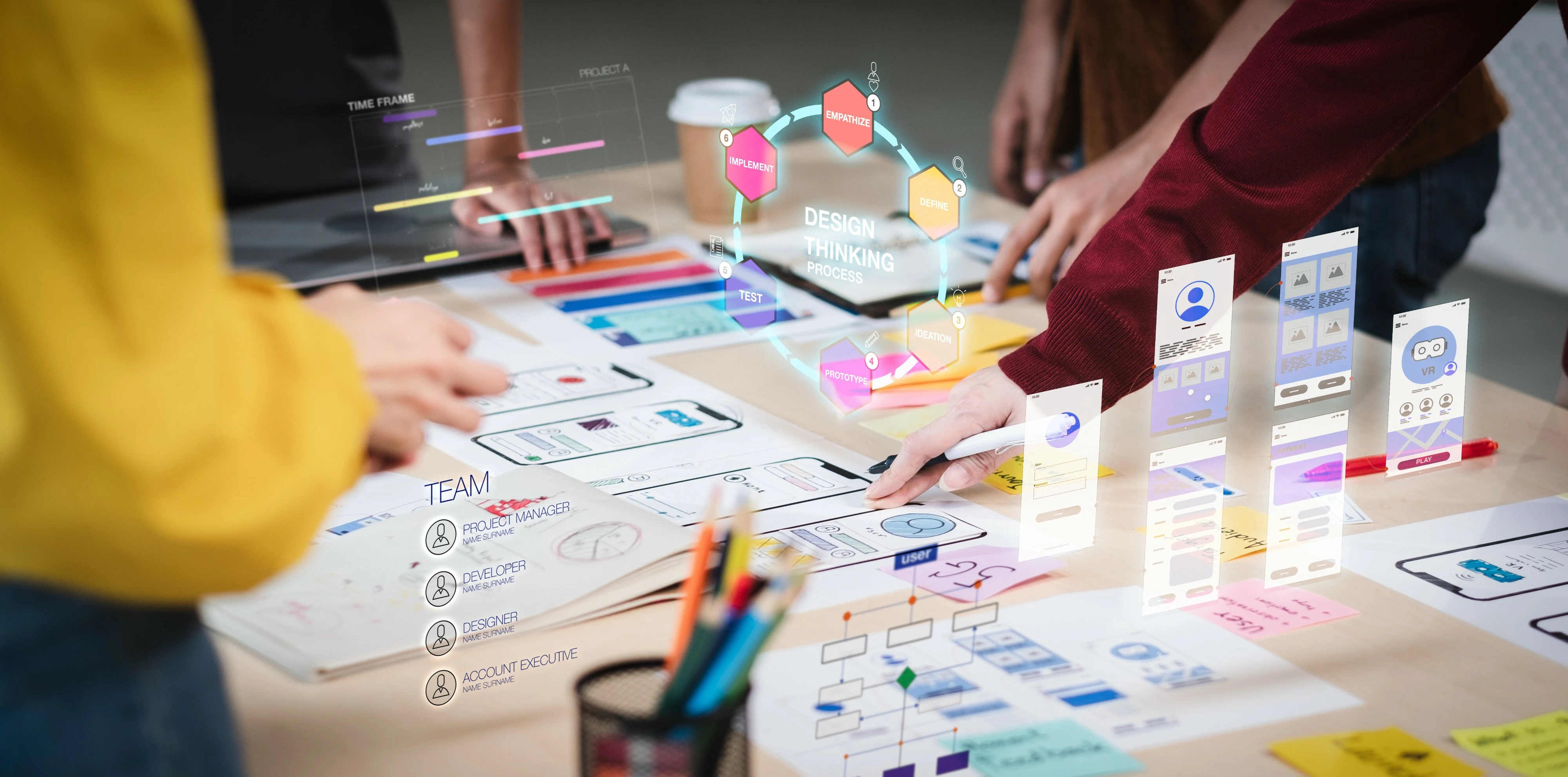
Develop wireframes and prototypes: Once you have a user flow diagram, you can use it to create wireframes and prototypes of the UI. These can be simple sketches or more detailed visualisations, but they should provide a rough idea of how the UI will look and function.
Test your UI design with users: Before finalising the UI, it is important to test it with actual users to ensure that it is effective and intuitive. This can be done through user testing sessions, where users are asked to perform specific tasks using the UI, and their feedback is collected and used to refine the design.
Iterate and refine: The UI design process is an iterative one, and it is likely that you will need to go through multiple rounds of testing and refinement before the final design is complete. This may involve making changes to the user flow, wireframes, or prototypes based on user feedback, as well as conducting additional testing to ensure that the UI is effective.
Overall, the key to designing an effective UI is to have a thorough understanding of the user’s needs and goals, and to use that knowledge to create a design that is intuitive and easy to use.
How do you know if a UI works?
A user interface shouldn't be judged on appearance alone. Prototyping and user testing can show whether people actually understand how to navigate the product and complete important tasks.
Watching representative users interact with a prototype can uncover issues that aren't obvious to the design team, from unclear navigation and labels to confusing workflows or interactions.
Testing early allows those problems to be addressed before significant development work takes place. The interface can then be refined using evidence from real users rather than assumptions about how people are expected to behave.
Designing software people actually want to use?
Good software needs more than the right functionality. How users navigate, understand and interact with that functionality can determine whether a product actually works for the people it was built for.
New Icon combines UX and UI design with rapid prototyping to turn complex requirements into clear, testable digital experiences before significant development begins.
George Barnes
Content Marketing Manager
